
Features
Clients, work, and what’s next.
Manage your practice in Kettle, with client details, tasks, and replies in one place.
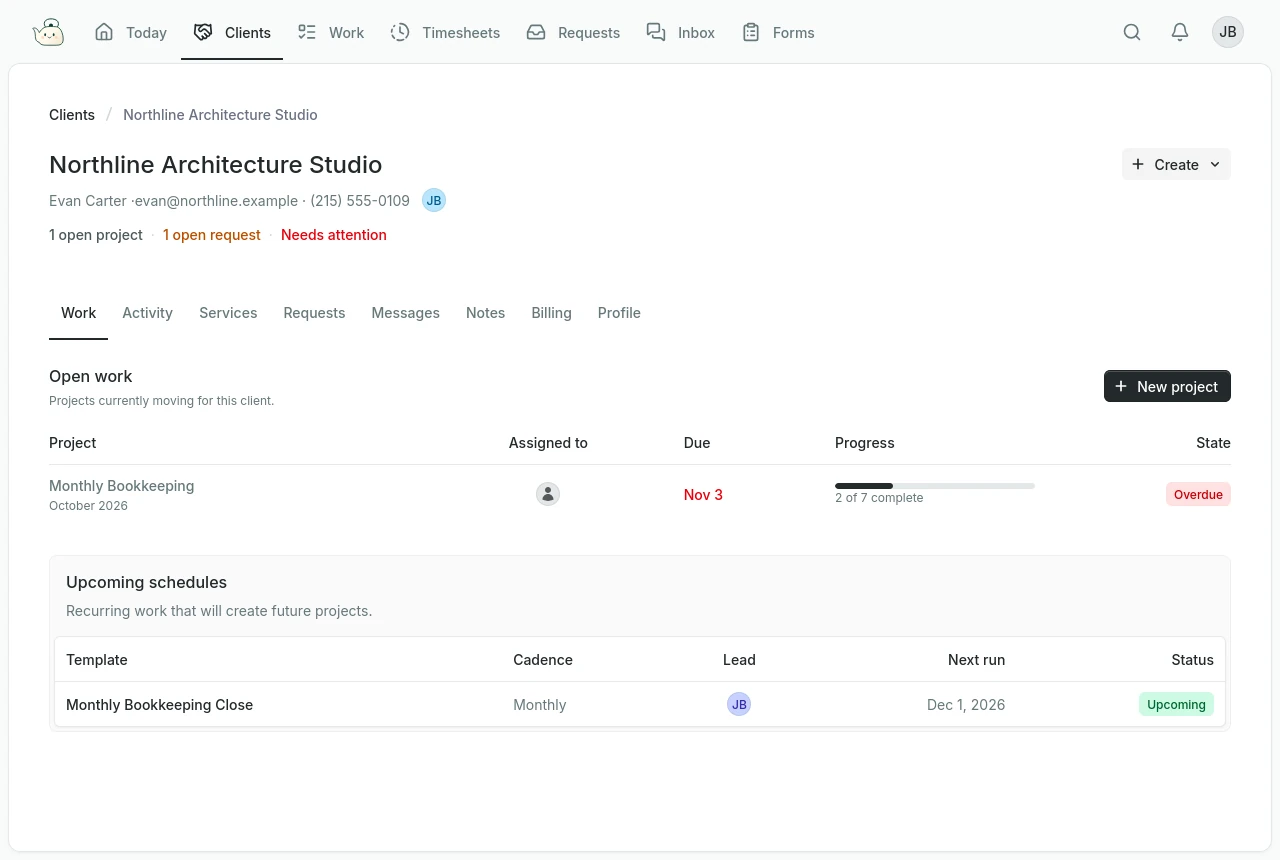
Clients
Know the client. Find the detail.
Keep contacts, services, and an assigned owner on each client record. Open their work, requests, and conversations without hunting through separate tools.
Work
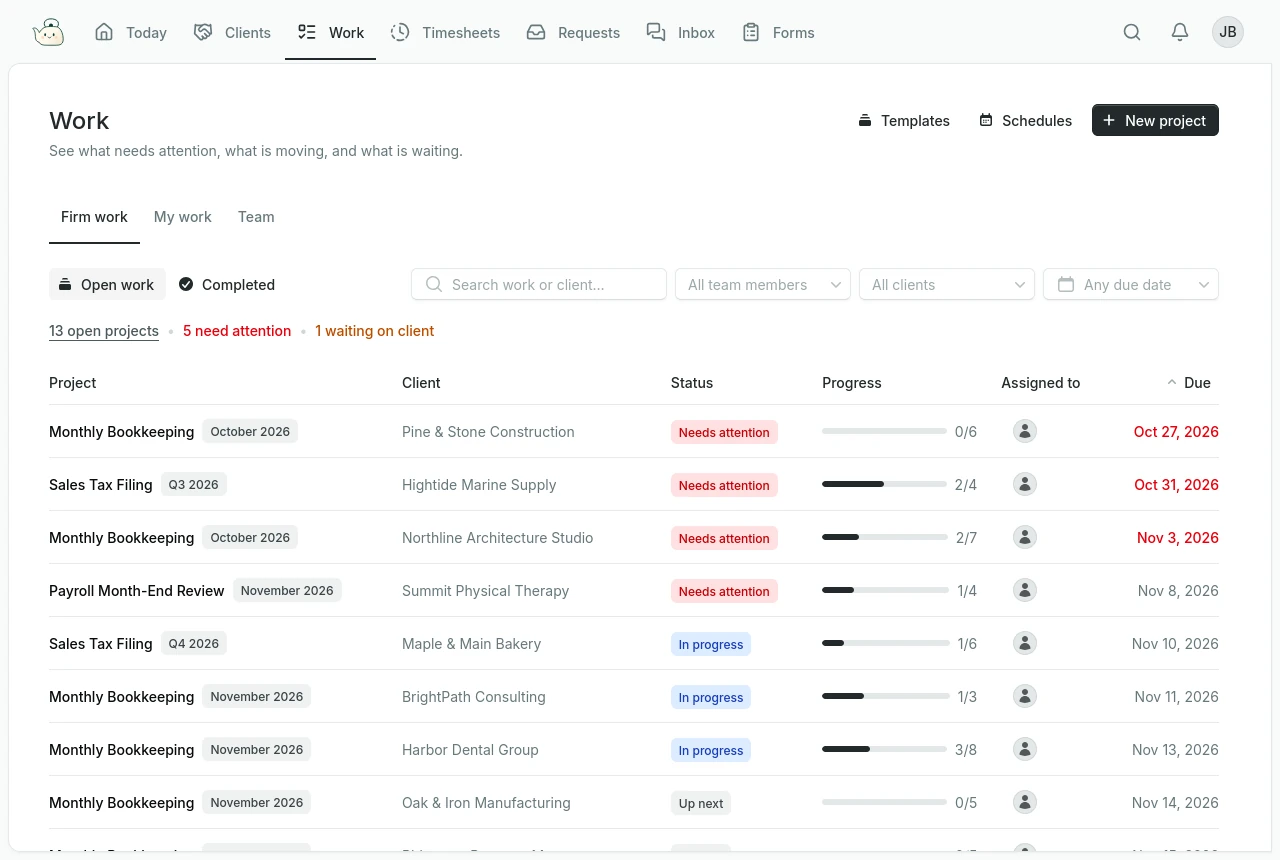
See what needs doing.
Turn client projects into to-do lists and tasks. Assign your team, set due dates, and track completion as the work moves forward.
Requests
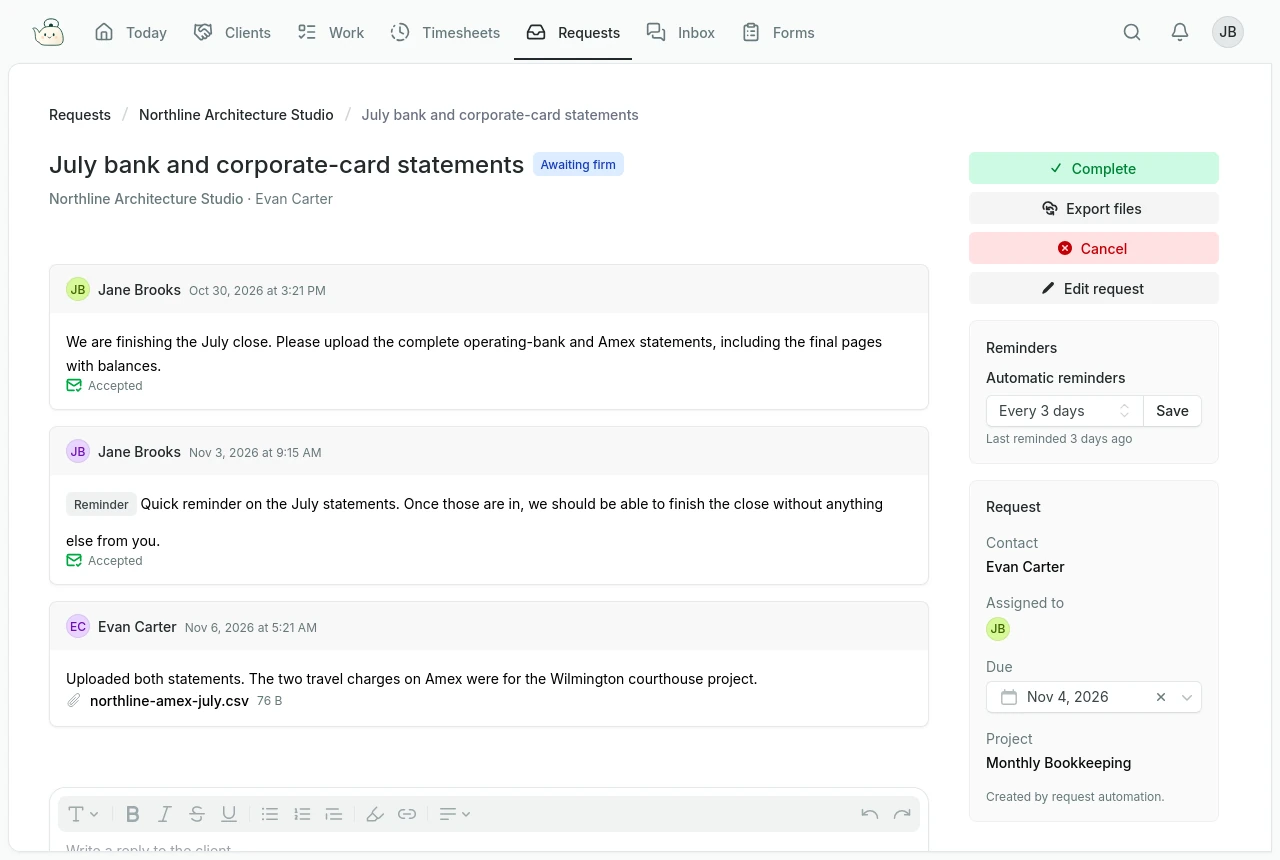
Ask, follow up, move on.
Request what you need from a client contact, with a due date and an optional project link. Keep replies and files together, and see whose attention is needed.
The details stay close.
- Documents
- Attach files to projects, requests, and messages, alongside the work they support.
- Messages
- Keep client conversations, replies, and attachments together by contact.
- Notes
- Record decisions, preferences, and handover details for your team, separate from client messages.
- Services
- Connect clients to your services and see the related projects in their service calendar.
A little more room to breathe.
Your clients, your work, your day. Together in Kettle.